
What happens on site reaches the office the same day.
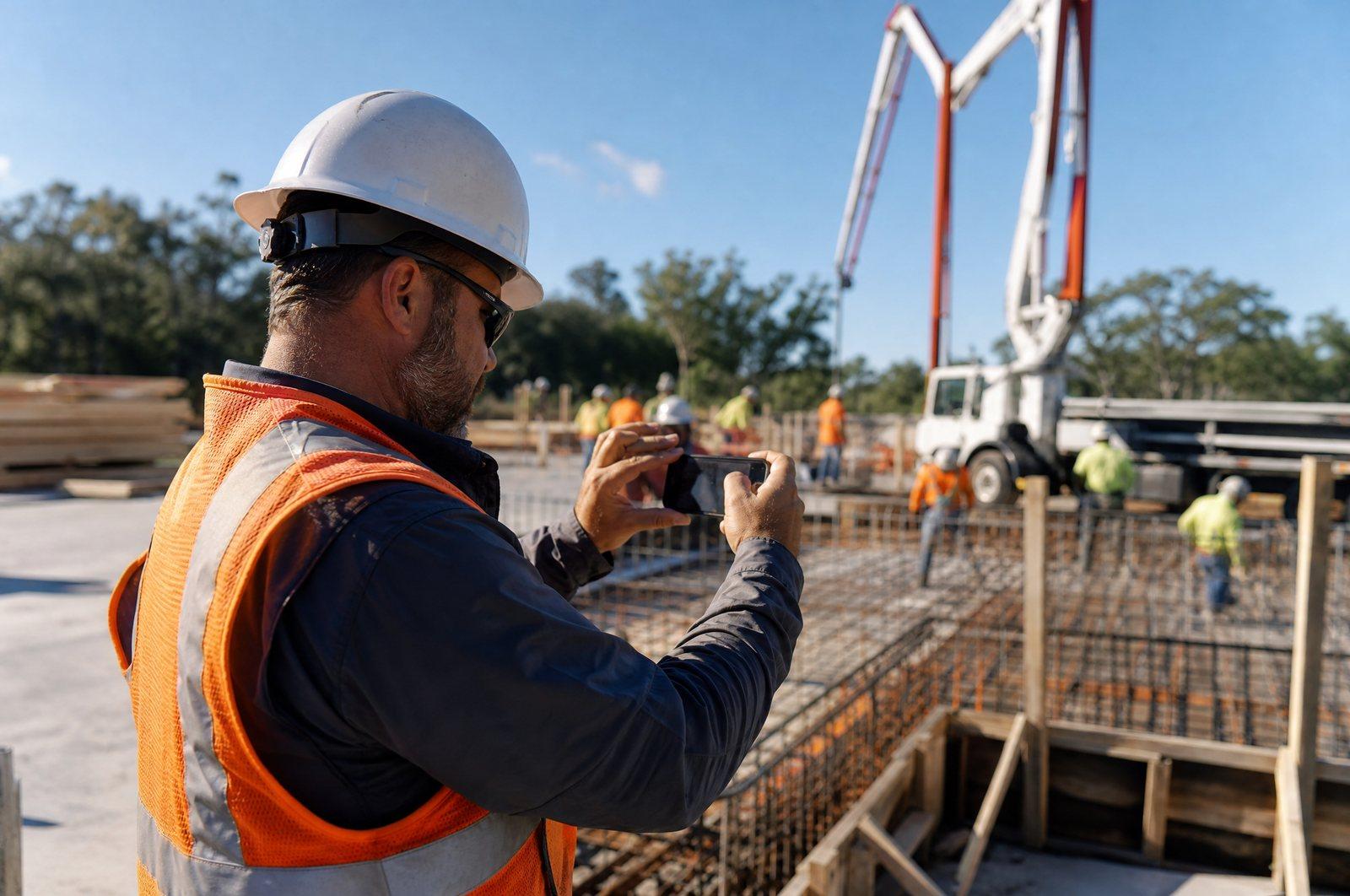
Field purchases that never get coded. Site photos stuck on phones. Daily logs written from memory on Friday. We build a simple field app for superintendents and project managers so purchases, logs, and photos land on the right job as they happen.
The short version
- Typical build
- 6 to 10 weeks
- For
- Superintendents and field project managers
- Captures
- Purchases, POs, daily logs, photos, video
- Works on
- Any phone, built for one hand and bad signal
- Connects to
- Job costing, accounting, your project software
- Price
- Scoped and quoted in writing before any build
What this does for your company.
- 01Purchasing
Buy from the field
A super raises a purchase from a phone, tagged to the job and cost code, with the receipt photographed on the spot.
- 02POs
POs captured for job cost
Every purchase order is recorded where job costing can see it, so invoices match and get paid on time.
- 03Vendors
One vendor list
A vendor database shared by purchasing, estimating, and accounting, instead of three versions of the same supplier.
- 04Logs
Daily logs by voice
Talk through the day. The log is transcribed, organized into weather, crew, work done, and issues, and saved to the project.
- 05Photos
Photos with a time and place
Site photos and video are time-stamped and filed to the project the moment they are taken.
- 06Yours
You own it
The code lives in your GitHub account and the data in your own database from the first commit. If we part ways, everything keeps running.
Four steps. You see it working early.
Every build starts with a written scope. You see real software on your own data within weeks, and the plan changes when your team says it should.
- 01Week 1Step 01
Ride along
We learn how purchases and logs really move today, from the truck to accounting.
- 02Weeks 2 to 5Step 02
Build the field app
Purchasing and logs first, tested by one superintendent on one job.
- 03Weeks 5 to 8Step 03
Connect the office
Purchases and POs flow to job costing and accounting. Photos and logs file to the project.
- 04Week 8 onStep 04
Roll out
Job by job, with changes made from what the field tells us.
What contractors build next.
Win work
Bid Finding and Pursuit
Every bid worth chasing, scored before you spend a dollar on it.
See how it worksWin work
Bid CRM and Pipeline
One place for every lead, from first look to signed project.
See how it worksWin work
Websites and Marketing
A site that shows your work and brings in the right calls.
See how it works
Next step
Tell us how you do this today.
Twenty minutes on the phone. You leave knowing whether this is worth building, what it would take, and what it would connect to.